Hello,
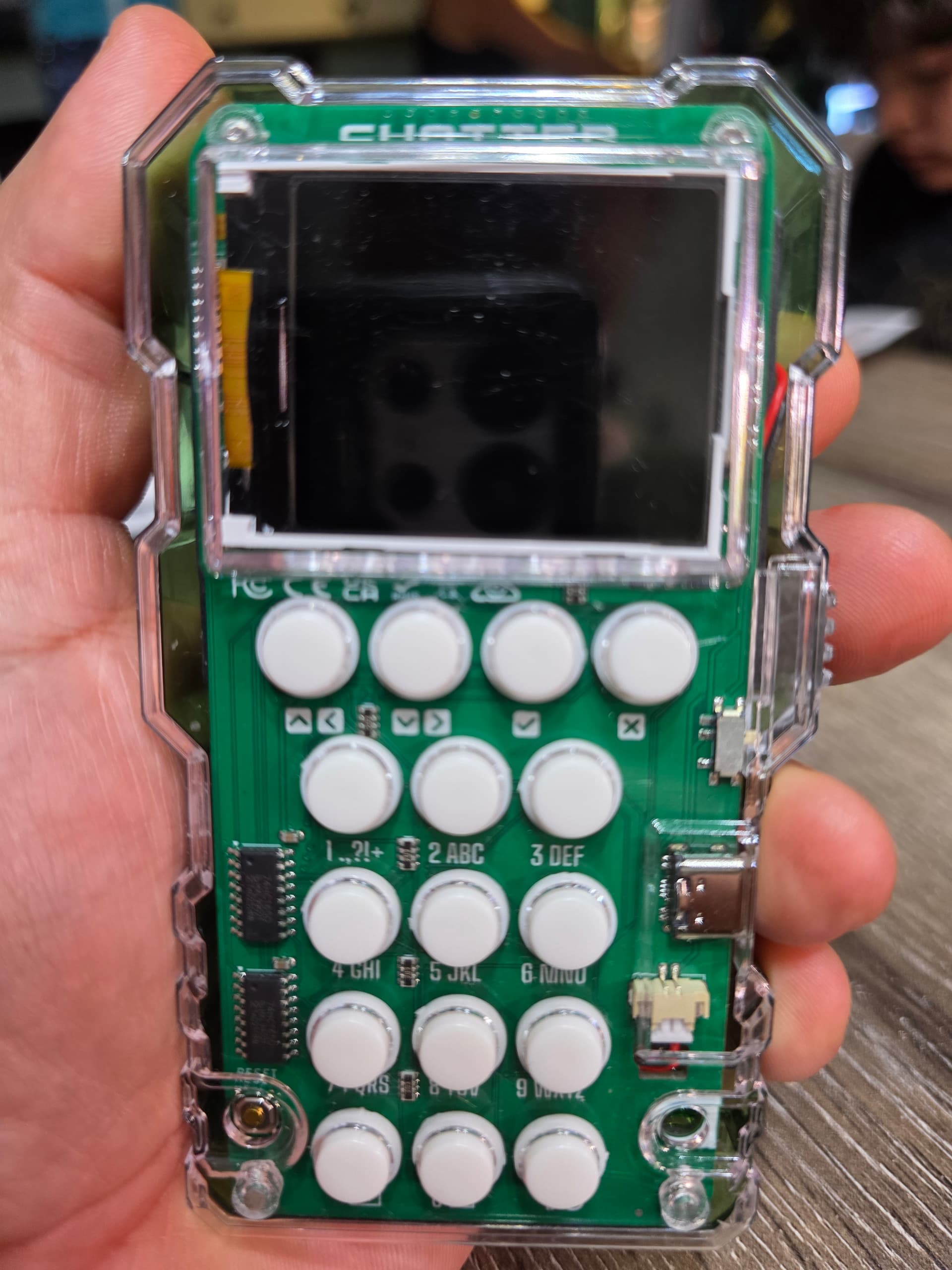
Thank you so much for reaching out and for sending the photos of your Chatter 2.0. We’re really sorry this happened and completely understand how frustrating it must be.
From the photos, it looks like the issue may be caused by the battery wires being connected in reverse. This can happen occasionally, and it’s usually an easy fix. You can try gently disconnecting the battery connector, then using something small and sharp to lift the little plastic tab behind the wires. Carefully remove the wires, switch their positions so that the red wire is on the right side facing outwards, and then reconnect everything back into the battery connector. This usually resolves the issue and allows the Chatter 2.0 to power on correctly with the batteries.
We’ve attached photos as a reference to show how we connected it on our side, so you can see the correct setup. If, after trying this, it still doesn’t work, please let us know and we’ll be happy to send you a replacement part right away.
You can find the photos using this link: Link
Thank you for your patience.
Best regards,
CircuitMess