So i tried playing with circuit blocks then i accidentally deleted the firmware on my bit how do you restore it on a bit.
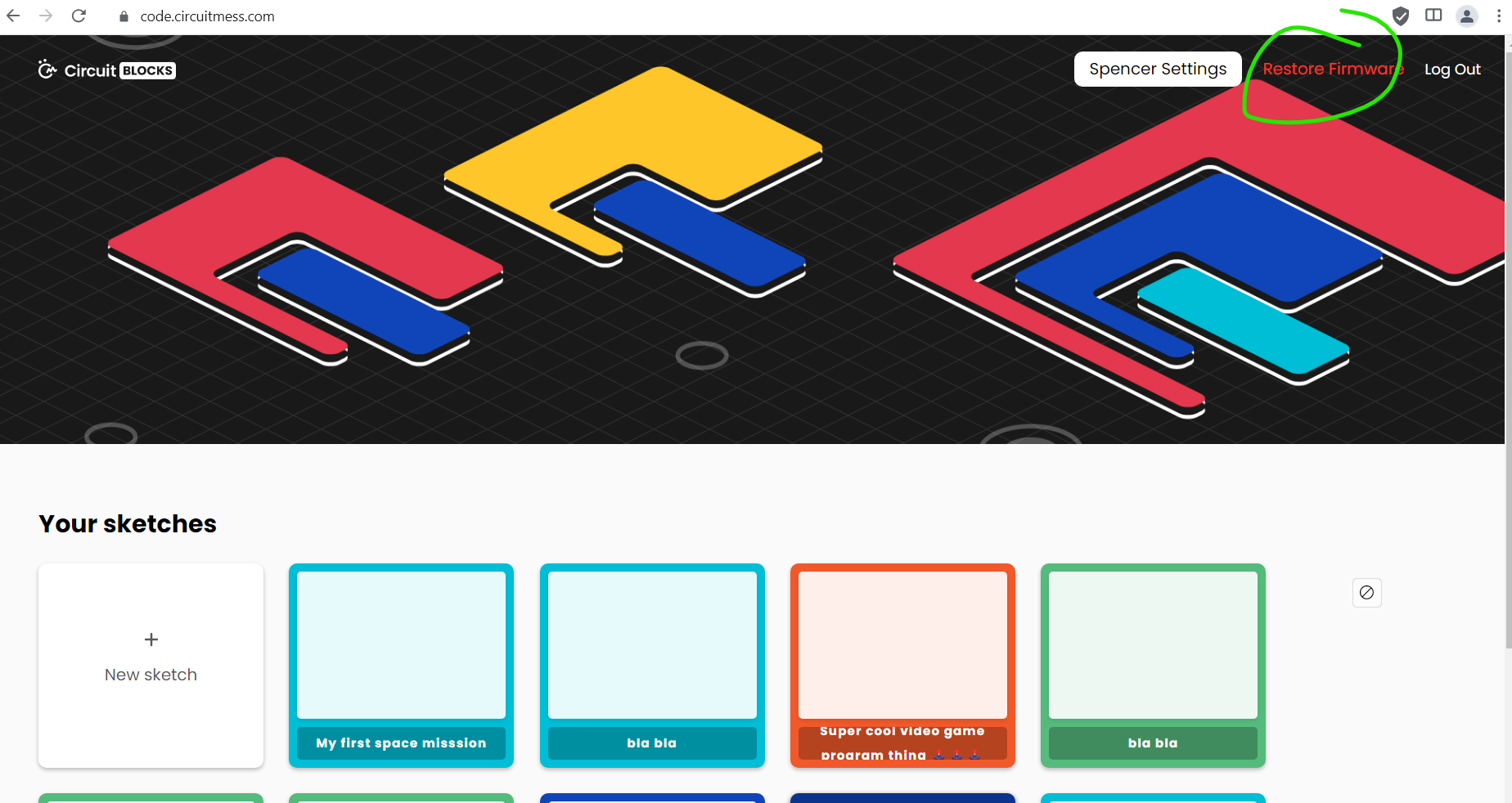
It wont connect for some reason it disconnects then connects
1 Like
Hey @noa1,
can you try using another USB cable? And make sure you are using Google Chrome.
Let me know if this helped,
Monika
Hi,
I’m having the same problem, using Chrome on Ubuntu, tried all USB ports and several cables, always same result:
Failed to execute ‘open’ on ‘SerialPort’: Failed to open serial port.
Is there an aternative way to restore the firmware?
More info from the Chrome console:
6437-74b2237da5813d9f.js:1 NetworkError: Failed to execute ‘open’ on ‘SerialPort’: Failed to open serial port.
6437-74b2237da5813d9f.js:1 Supported ports:
-
Array(1)
-
0: {usbProductId: 4097, usbVendorId: 12346}
-
length: 1
-
[[Prototype]]: Array(0)
lsusb shows that the device is plugged:
$ lsusb
Bus 002 Device 001: ID 1d6b:0003 Linux Foundation 3.0 root hub
Bus 001 Device 005: ID 8087:0a2b Intel Corp. Bluetooth wireless interface
Bus 001 Device 071: ID 303a:1001 Espressif USB JTAG/serial debug unit
Bus 001 Device 024: ID 413c:2113 Dell Computer Corp. KB216 Wired Keyboard
Bus 001 Device 015: ID 046d:c077 Logitech, Inc. M105 Optical Mouse
Bus 001 Device 001: ID 1d6b:0002 Linux Foundation 2.0 root hub
I’ve changed to use Edge browser on a Windows PC and now I get this error:
The device has been lost
Here I can see that the USB device in Windows keeps appearing and dissapearing all the time, every 3 seconds or so. So I can select the device in the browser Serial Port selector, but then the device disconnects…
Not sure how I can solve this issue…
I can try to help you, first of all, you have no firmware now. Its gonna be hard to get it out of the boot loop, so you need to time it correctly to flash it.
Hi!
I’d gladly accept any help, thank you!
The problem is that doing It through the browser leaves an impossibly small window of opportunity.
By the time the browser offers the device to select, it is already disconnected 
Is there any alternative tool I could use?
I have a Linux PC and I’m an engineer so I can try other more complex approaches, if you think it will work!
Thanks!
For instance, is there a way to use esptool to write the firmware from the command line?
After some google searches, and some tinkering, I think I have it!
I’ll leave it here for posterity, just in case.
Following the instructions here GitHub - CircuitMess/Bit-Firmware, I downloaded the firmware from https://github.com/CircuitMess/Bit-Firmware/releases/download/v3.0/Bit-v3.0.bin, and installed esptool
Then I got the following error:
$ esptool -c esp32s3 -b 921600  write-flash 0 Descargas/Bit-v3.0.bin

esptool v5.1.0
Found 1 serial ports...
Serial port /dev/ttyACM0:
/dev/ttyACM0 failed to connect: Could not open /dev/ttyACM0, the port is busy or doesn't exist.
([Errno 13] could not open port /dev/ttyACM0: [Errno 13] Permission denied: '/dev/ttyACM0')

Hint: Try to add user into dialout or uucp group.


A fatal error occurred: Could not connect to an Espressif device on any of the 1 available serial ports.
And sometimes I get this error, when I catch the device disconnected, so that’s the timing issue you mentioned earlier.
$ esptool -c esp32s3 -b 921600  write-flash 0 Descargas/Bit-v3.0.bin
esptool v5.1.0
Found 0 serial ports...

A fatal error occurred: Could not connect to an Espressif device on any of the 0 available serial ports.
Then I read the esptool manual Basic Options - ESP32 - — esptool latest documentation
It seems my Linux requires my user to be added to the dialout group, and then “su - $USER to enable read and write permissions for the serial port without having to log out and back in again” This last part has stalled me for the past 30 minutes! doh!
And now it works!
$ esptool -c esp32s3 -b 921600  write-flash 0 Descargas/Bit-v3.0.bin
esptool v5.1.0
Connected to ESP32-S3 on /dev/ttyACM0:
Chip type:          ESP32-S3 (QFN56) (revision v0.2)
Features:           Wi-Fi, BT 5 (LE), Dual Core + LP Core, 240MHz, Embedded Flash 8MB (GD)
Crystal frequency:  40MHz
USB mode:           USB-Serial/JTAG
MAC:                64:e8:33:68:be:78

Stub flasher running.
Changing baud rate to 921600...
Changed.

Configuring flash size...
Flash will be erased from 0x00000000 to 0x007fffff...
Wrote 8388608 bytes (1269886 compressed) at 0x00000000 in 32.7 seconds (2053.2 kbit/s).
Hash of data verified.

Hard resetting via RTS pin...
It’s like that joke: “How many enginners does it take to write the formware to flash memory?”
Anyway, thanks for the tip, and happy coding!
Glad that you did it! Using esptool you can also read your firmware and save it to a file so you dont lose your progress when you need to move to micropython!